Stop Buying GPUs! A Step-by-Step Guide to Using Google’s Free GPU Power to Run LLMs Smoothly
一、Google GPU算力网站【点击前往】 Google GPU Compute Platform [Click Here to Visit]
二、点击新建笔记本 Click ‘New notebook’

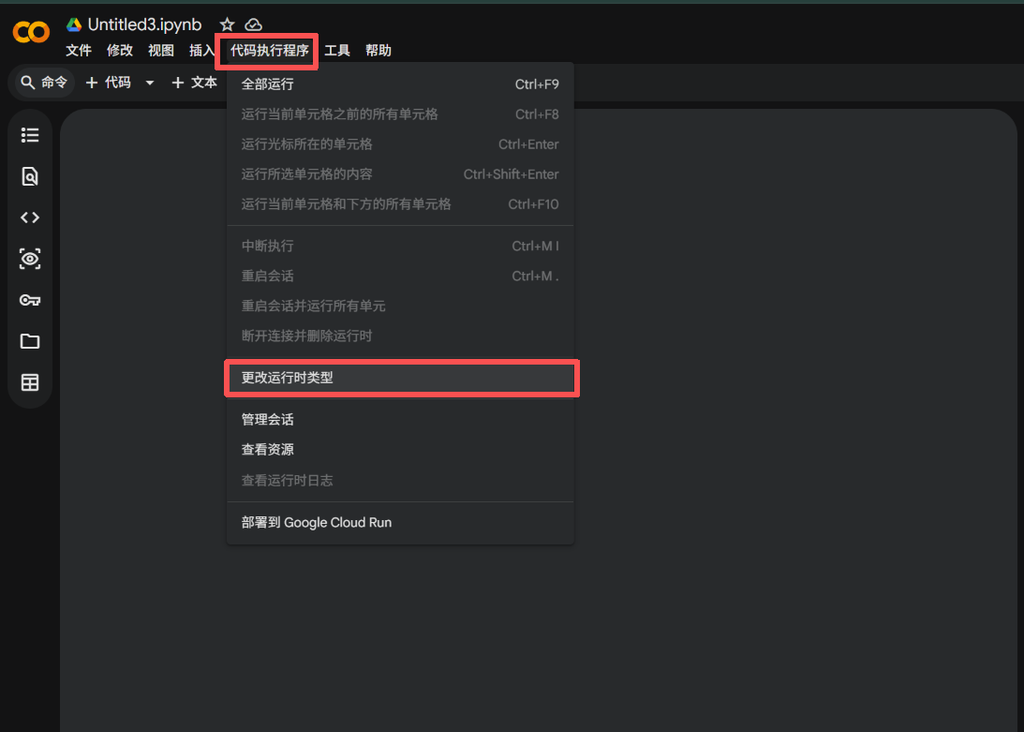
三、1.点击代码执行程序 2.更改运行时类型 1)Click ‘Runtime’ 2) Click ‘Change runtime type’
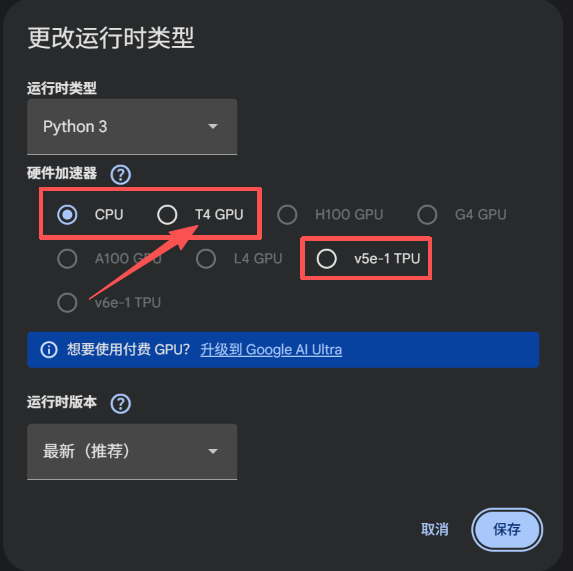
四、选择免费的 T4 GPU 16g Select the free ‘T4 GPU’ (16 GB)
五、点击连接 Click ‘Connect’

六、看到这个标识代表连接成功 Seeing this icon means you are successfully connected

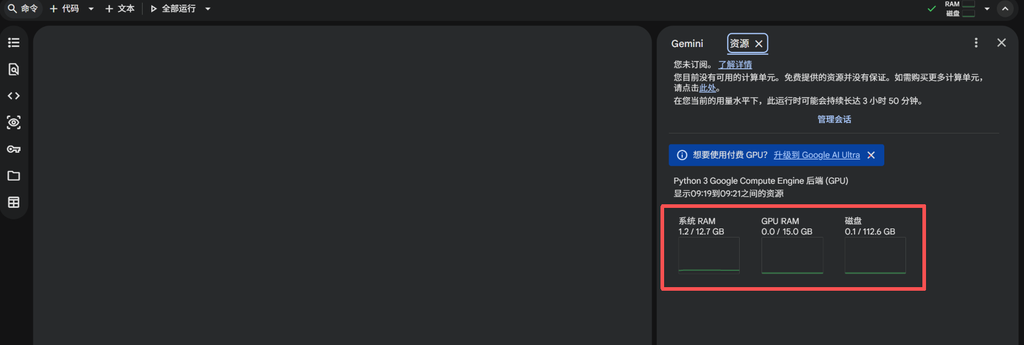
七、当前的电脑配置 Current hardware specs / system configuration
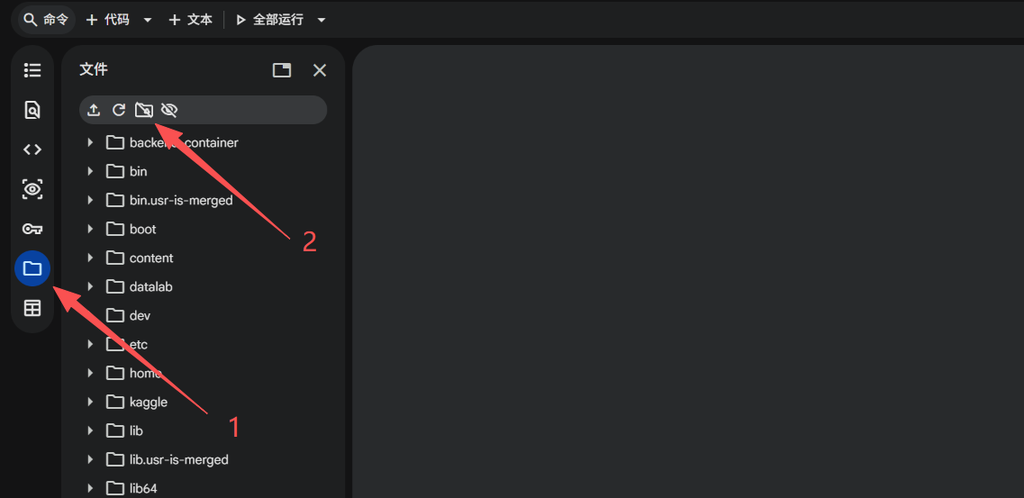
八、挂载谷歌云盘 Mount Google Drive
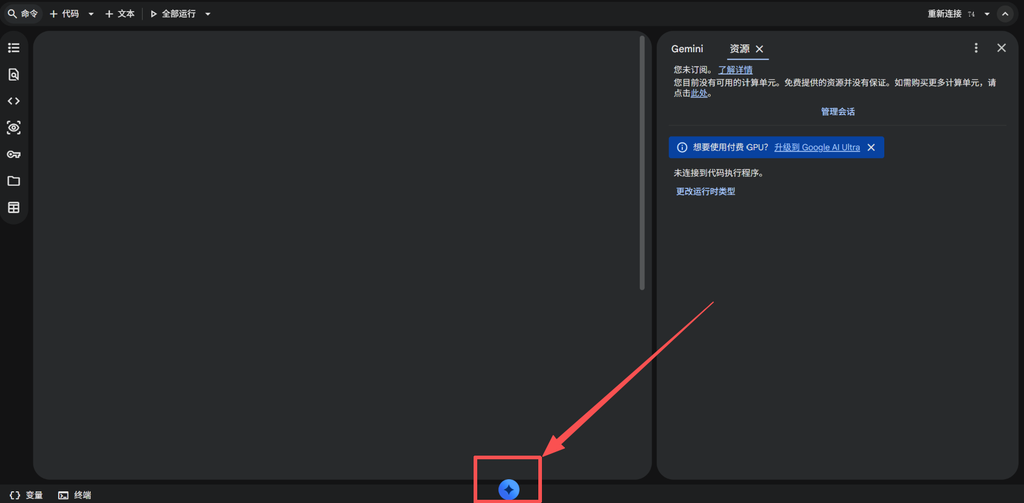
九、AI助手实现运载模型 Use the AI Assistant to run the model